
Don’t Get Lost!
You know what’s really great? Modern technology has made things super easy for us explorers; sure, lots of folks still like to trundle about with a stack of good old fashioned Ordnance Survey paper maps stuffed into plastic sleeves, but if you’re not confident enough in your orienteering ability and lack the time to master it, and you’re not a total luddite, you’ve a veritable plethora of pretty foolproof options available to you.
One old fashioned item I would recommend to all, however, is a compass. You can easily find cheap ones with attachments to clip onto your belt or backpack, so that you’ll always have a fallback item for orienting yourself. A lot of compasses also include thermometers; a thermometer can actually come in really handy if, for example, you have a photography drone out recording your adventure, and you need to check that the current temperature is within the operational requirements for your drone.
Whether you choose to splash out on a specialised GPS unit, ranging from budget friendly perennial favourite, the Garmin eTrex 10 (provided you can get your mitts one of these increasingly hard to find pups) to wrist-based GPS watches and other dedicated tech, or simply pick one of the many mobile apps available, planning ahead and avoiding getting lost is easier than ever.
Some apps worth a look:
AllTrails (iOS and Android)
ViewRanger (iOS and Android)
OSMaps (iOS and Android)
Strava (iOS and Android)
Komoot (iOS and Android)
Even Google Maps has some marked trails included, although their accuracy can be a little hit and miss, and, at the time of writing, only very well known, well trodden paths are currently included, so it’s still worth getting a dedicated app for route planning. Having said that, Google Maps is a decent fallback option for simply finding your way back in a general direction if, for some reason, you get lost or your other mode of routing fails.
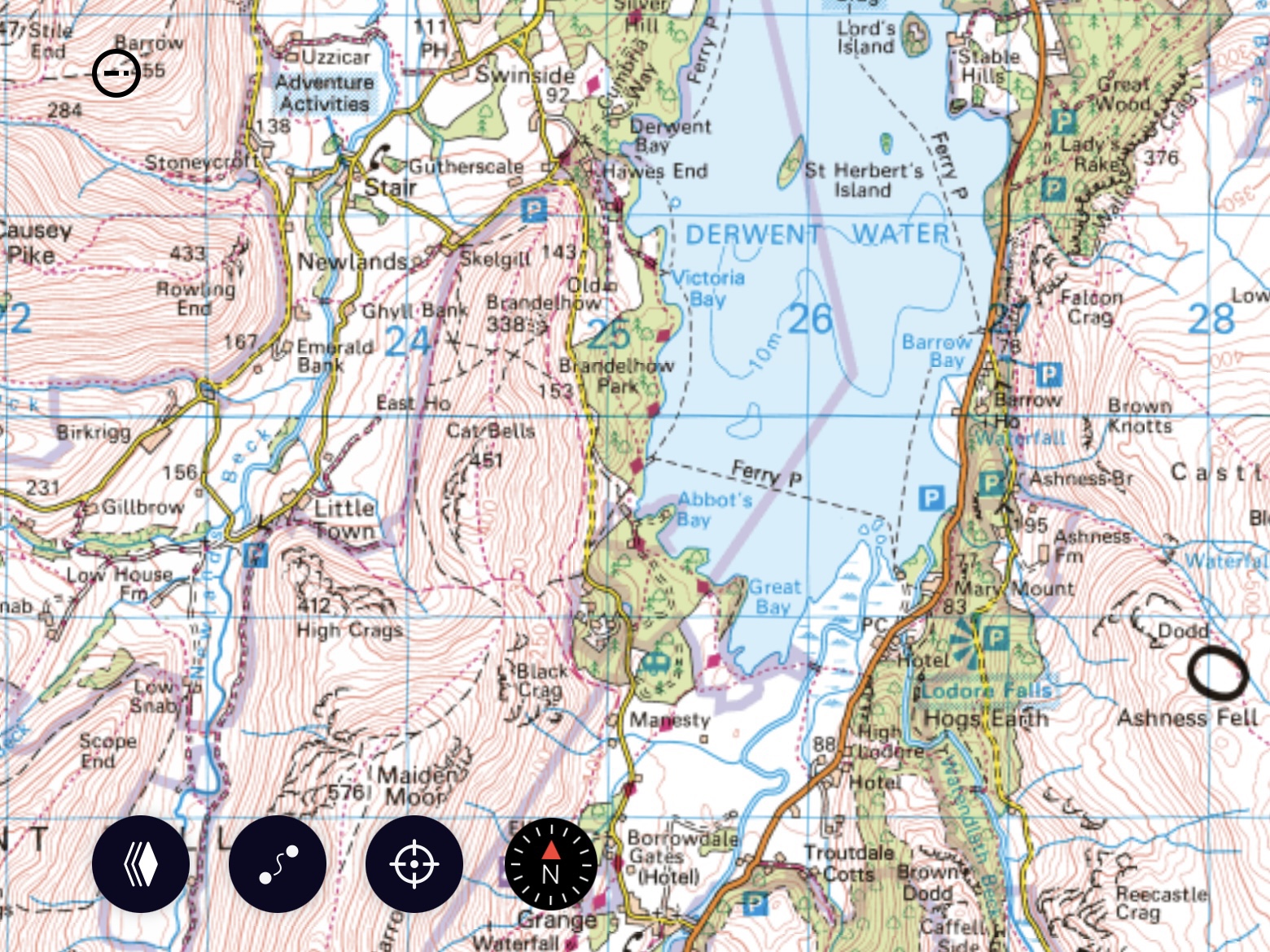
Personally I use OSMaps, as the Ordnance Survey maps are really the granddaddy of leisure maps here in the UK. There is an annual subscription fee, but the app and desktop version have a large array of mapping and searching tools available, making it very easy to find, create, edit and share routes.
Bear in mind that many hiking trails may take you into areas where mobile signals may be weak, so if your app has functionality allowing you to download the map data to your mobile device, always remember to do so before heading out! A GPS signal uses entirely different technology to mobile data signals, so even when you’re “out of bars” on your phone, chances are you’ll still be able to pick up a GPS signal, provided your mobile has GPS capability, so that you can keep track of your current location within your route app.
Also remember to fully charge your mobile device and, if possible, carry some sort of recharging device for it, as GPS functioning tends to suck the juice out of phones pretty quickly.

